
Microsoft 365 vs Google Workspace: Which is Better for Business?
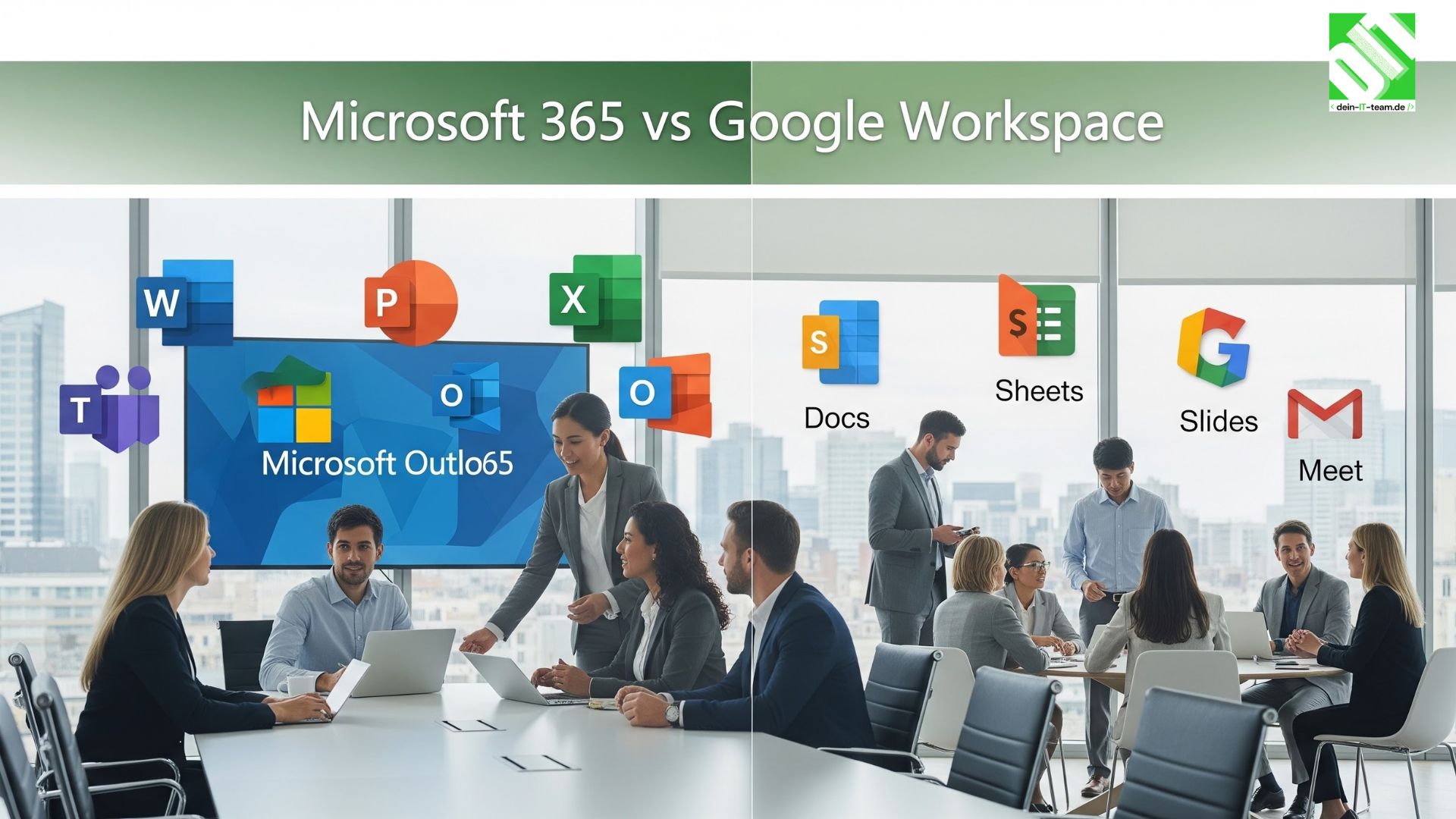
Explore Microsoft 365 and Google Workspace for business differences in apps, security, pricing, and collaboration to help you choose the right platform.
Choosing the right productivity suite is a big decision for any company. In this detailed guide on microsoft 365 vs google workspace, we will compare features, pricing, security, collaboration tools, storage, integrations, and real-world business use cases. This will help you clearly understand which platform fits your business goals.
Both platforms offer email, document creation, cloud storage, video meetings, and team collaboration tools. But they work differently and serve different business needs.
Key Takeaways
Microsoft 365 is strong in desktop apps, advanced Excel tools, enterprise security, and complex business environments.
Google Workspace is best for simple collaboration, real-time editing, and cloud-first companies.
Microsoft works better for companies already using Windows and Office.
Google is easier to manage and often more affordable for startups.
Security and compliance tools are more advanced in Microsoft 365.
Both platforms support remote work, mobile access, and team communication.
Overview of Microsoft 365
Microsoft 365 is a complete productivity and collaboration platform developed by Microsoft. It includes Outlook, Word, Excel, PowerPoint, Teams, OneDrive, and SharePoint.
It offers both desktop and cloud versions of apps. This means you can work offline using full-featured software installed on your computer and sync your work to the cloud later.
Microsoft 365 is widely used by enterprises, government organizations, healthcare institutions, and large corporations. It provides advanced administrative controls, data protection policies, and compliance tools.
Many businesses also combine Microsoft 365 with custom enterprise systems built using microsoft technologies development services to create integrated business environments.
Overview of Google Workspace
Google Workspace includes Gmail, Google Docs, Sheets, Slides, Drive, Meet, and Chat. It is a fully cloud-based solution, meaning everything works inside a web browser.
There are no traditional desktop apps like Microsoft Office. Instead, documents are created and stored online automatically.
Google Workspace is popular among startups, small businesses, educational institutions, and remote teams. It is known for its simplicity and smooth real-time collaboration.
All updates happen automatically, and IT management is relatively easy compared to traditional enterprise systems.
1.User Interface and Ease of Use
Microsoft 365
Microsoft apps have a rich interface with many advanced tools. Excel, for example, includes complex formulas, pivot tables, macros, and automation features.
However, the interface can feel heavy for beginners. New users may need training to use advanced features properly.
The benefit is that experienced professionals can perform detailed and technical tasks efficiently.
Google Workspace
Google Workspace offers a clean and simple interface. The design is minimal, making it easy for beginners.
Because it runs in a browser, there is no installation required. Users can log in and start working immediately.
The simplicity helps teams collaborate quickly without technical knowledge.
2. Collaboration Features
Microsoft 365 Collaboration
Microsoft Teams is the core collaboration tool. It allows chat, video meetings, file sharing, and project organization.
Co-authoring is available in Word and Excel, but sometimes syncing can feel slower compared to Google Docs.
SharePoint provides document management and internal portals for companies.
For businesses needing advanced custom workflows, working with a microsoft net development company can help build deeper integrations.
Google Workspace Collaboration
Google Workspace is built for real-time collaboration. Multiple users can edit the same document at the same time without delay.
Changes appear instantly. Comments, suggestions, and version history are very easy to manage.
Google Meet is simple and reliable for video conferencing.
For teams that work remotely and collaborate constantly, Googles system feels more natural.
3. Email and Communication
Microsoft Outlook
Outlook is powerful and feature-rich. It supports advanced filtering, shared mailboxes, calendar management, and deep integration with other Microsoft tools.
Large organizations often prefer Outlook because of its enterprise-grade capabilities.
Gmail for Business
Gmail offers a clean interface and excellent spam filtering. It integrates smoothly with Google Drive and Meet.
It is simple to manage and easy for users who already use personal Gmail accounts.
4. Cloud Storage and File Management
Microsoft OneDrive and SharePoint
Microsoft 365 offers OneDrive for personal storage and SharePoint for team collaboration.
Files can be accessed online or synced to desktop folders.
It works well for structured file systems and large enterprises managing multiple departments.
Google Drive
Google Drive is easy to use and fully cloud-based.
Files are automatically saved and organized. Sharing permissions are simple to control.
It works especially well for small teams and startups.
5. Security and Compliance
Security is a major factor when comparing microsoft 365 vs google workspace.
Microsoft 365 Security
Microsoft provides advanced security tools like:
Data Loss Prevention (DLP)
Advanced Threat Protection
Conditional access policies
Multi-factor authentication
Compliance management for industries like healthcare and finance
Large enterprises often choose Microsoft for regulatory compliance.
Google Workspace Security
Google offers:
Strong spam filtering
Two-step verification
Data encryption
Admin controls
While secure, Googles compliance tools are generally simpler compared to Microsofts enterprise-level solutions.
6. Pricing Structure
Microsoft 365 plans vary depending on business size and features. Some plans include desktop apps, while cheaper plans are web-only.
Google Workspace offers straightforward pricing with fewer variations.
Startups often find Google more affordable. Large enterprises may find Microsoft provides better long-term value due to advanced tools.
7. Integration and Customization
Microsoft integrates deeply with enterprise systems, Windows servers, and custom applications.
Companies often build ERP, CRM, and internal systems connected to Microsoft 365.
Google Workspace integrates well with cloud-based apps like Slack, Trello, and Zoom.
Microsoft is stronger for businesses needing complex infrastructure integration.
Performance and Offline Access
Microsoft 365 allows full offline work using desktop apps. This is helpful for employees traveling or working in low internet areas.
Google Workspace offers limited offline access but mostly depends on internet connectivity.
Businesses in regions with unstable internet may prefer Microsoft.
8. Best for Small Businesses
Google Workspace is ideal for:
Startups
Small remote teams
Simple collaboration needs
Budget-conscious companies
It is easy to set up and manage without a dedicated IT team.
9. Best for Large Enterprises
Microsoft 365 is ideal for:
Large organizations
Government institutions
Regulated industries
Companies needing advanced reporting and automation
Its compliance tools and desktop software make it powerful for complex business operations.
10. Real-World Business Use Cases
Law firms often choose Microsoft because of document control and compliance.
Marketing agencies prefer Google for creative team collaboration.
Financial institutions rely on Microsoft Excels advanced features.
Startups use Google to reduce IT management complexity.
Conclusion
When deciding between microsoft 365 vs google workspace, the best choice depends on your business size, technical needs, security requirements, and budget.
If your company needs advanced desktop applications, enterprise security, compliance management, and deep system integration, Microsoft 365 is the better choice.
If your team focuses on simple collaboration, cloud-based work, and real-time editing with minimal IT support, Google Workspace may be the smarter option.
In the end, both platforms are powerful. The right decision depends on how your business works and what tools your employees need daily.
FAQs
1. Which is more secure, Microsoft 365 or Google Workspace?
Microsoft 365 offers more advanced enterprise security and compliance tools. Google Workspace is secure but generally simpler in compliance features.
2. Is Google Workspace cheaper than Microsoft 365?
Google Workspace often has simpler and slightly lower pricing for small teams. Microsoft may cost more depending on the plan and features included.
3. Can a business switch from Google Workspace to Microsoft 365 easily?
Yes, migration tools are available. However, large businesses may need IT support to transfer emails, files, and user data properly.
Recent Posts

September 25, 2026

September 28, 2026